[Claude to PDF] Update UI Design, Feature Request and Small Bugs
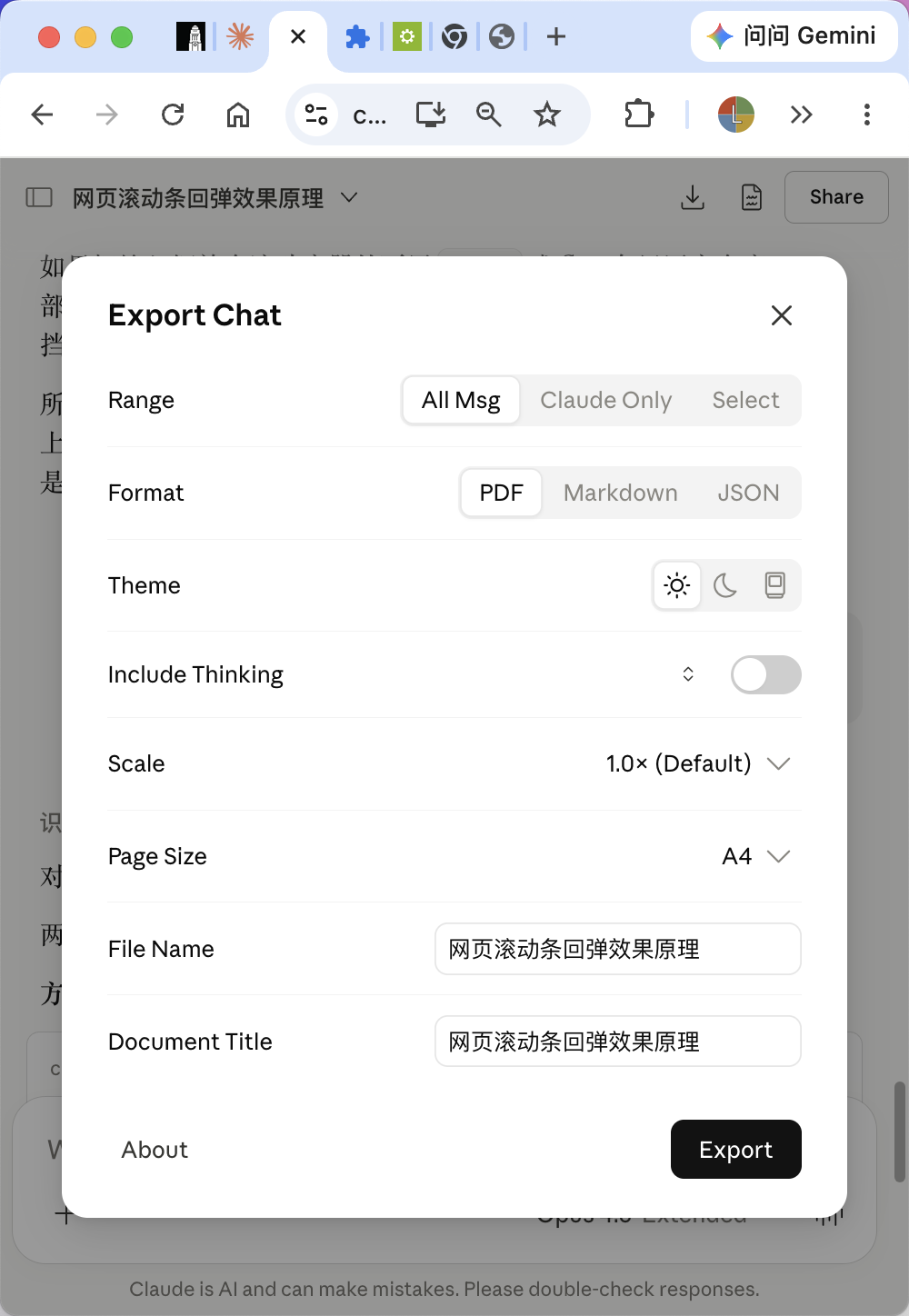
Thanks a lot for your extension! I love it so much! However, the current UI doesn't quite match Anthropic's Design System. I've redesigned the menu and button UI to align with Claude's native components and open-sourced the design on GitHub.
https://github.com/lcx-0504/claude-to-pdf-ui-redesign
Would you mind taking a look and considering it for a UI refresh?
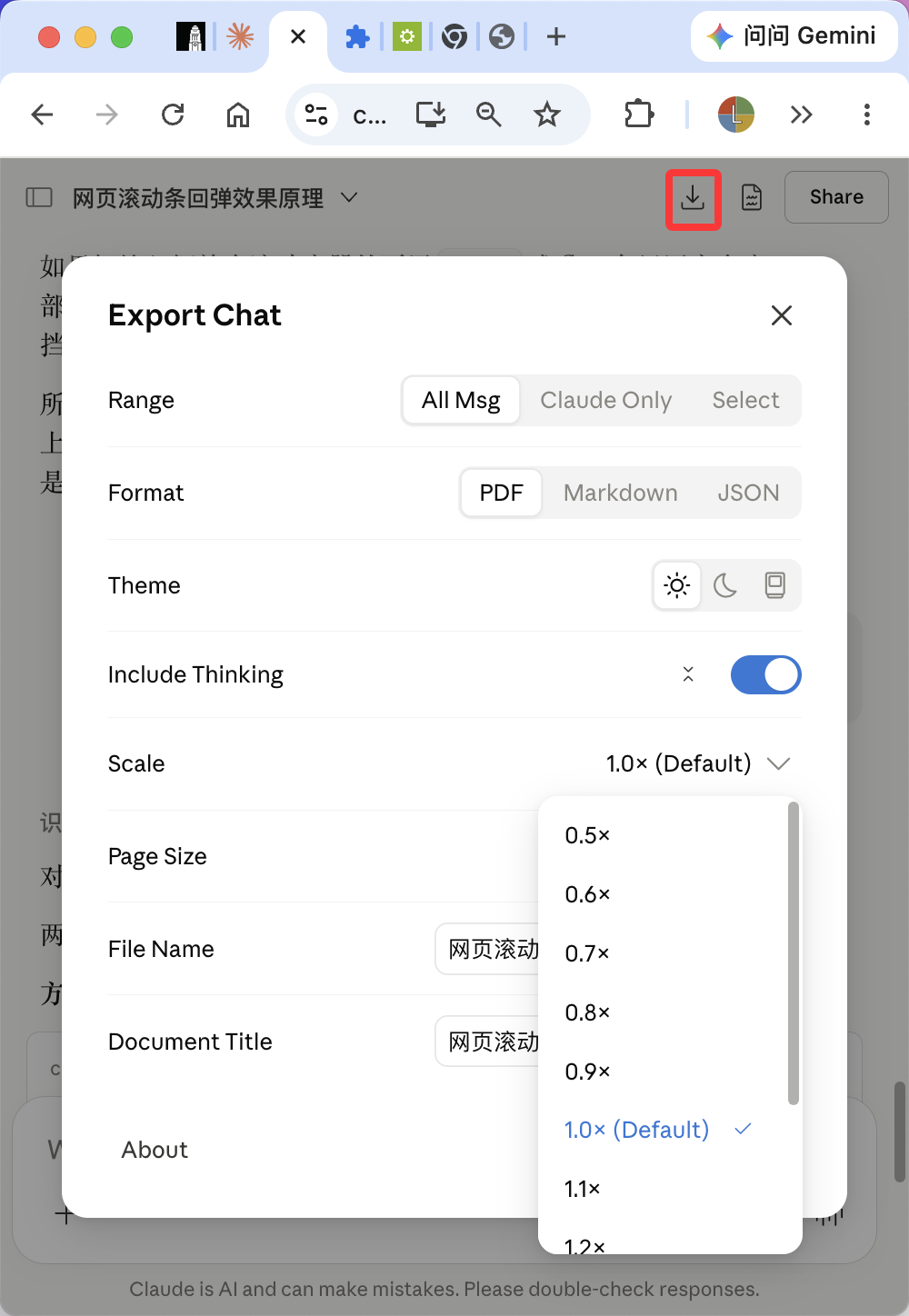
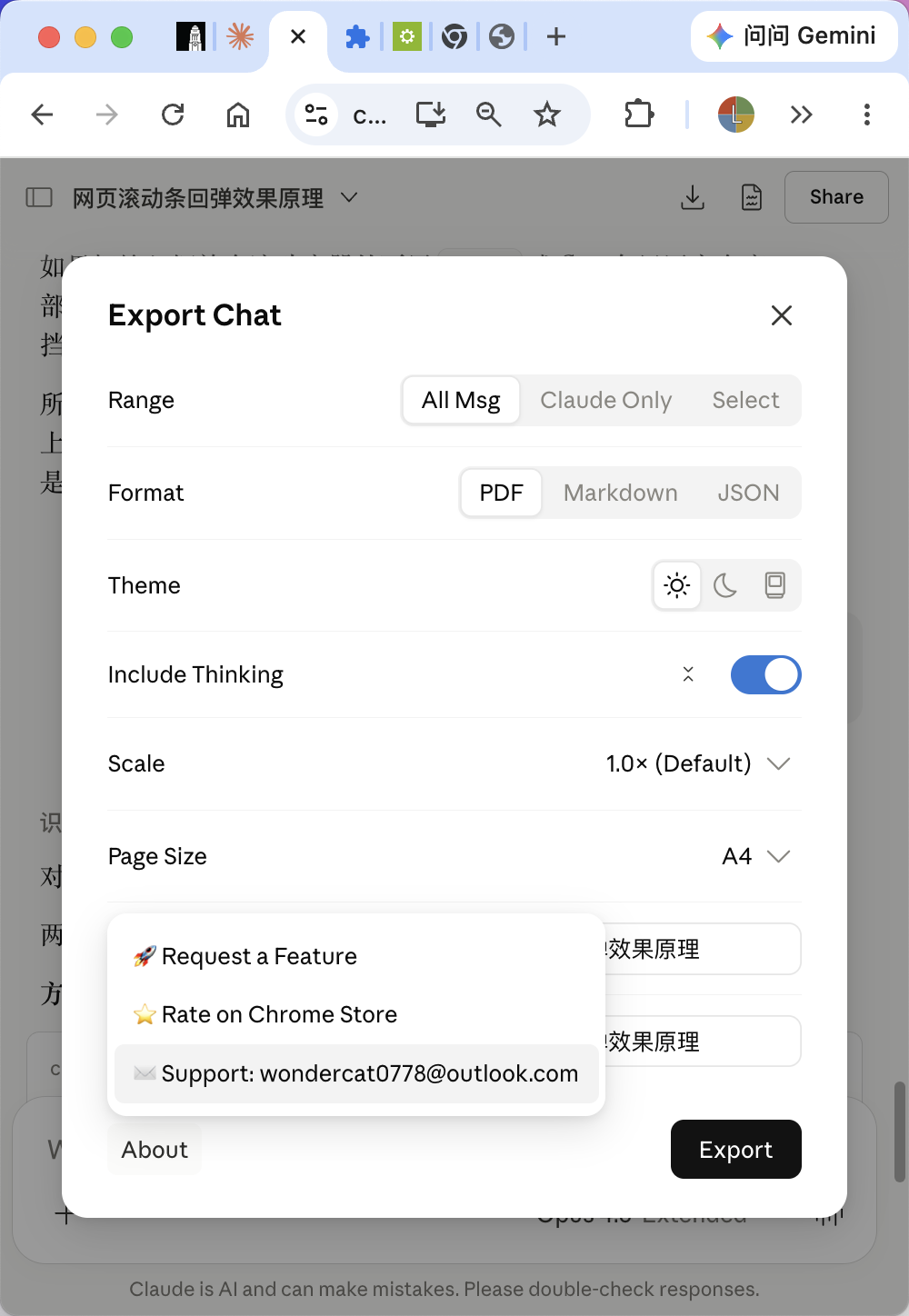
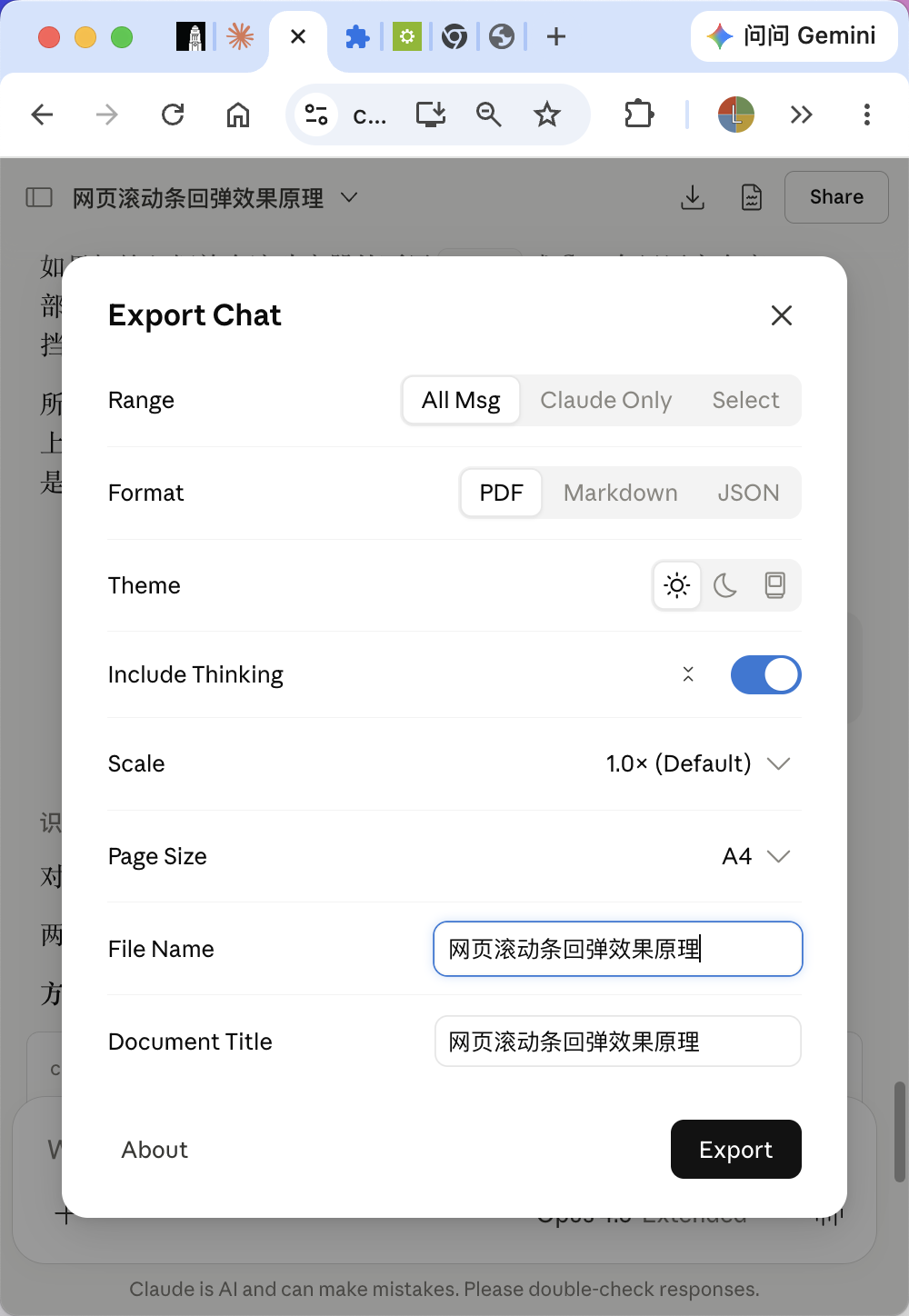
Here's a glimpse of the redesign! The button beside the "Include Thinking" toggle is an expand/collapse button, allowing users to expand or collapse all thinking sections (include expanding "Show more"). All other controls use Anthropic's native form components (SegmentedControl, Switch, Combobox, TextInput, etc.).
A couple of bugs/feature requests as well:
When exporting with thinking enabled, there's a strange pink gradient when "Show more" is not expanded.
If a thinking section includes a search results list, only part of the results are exported.
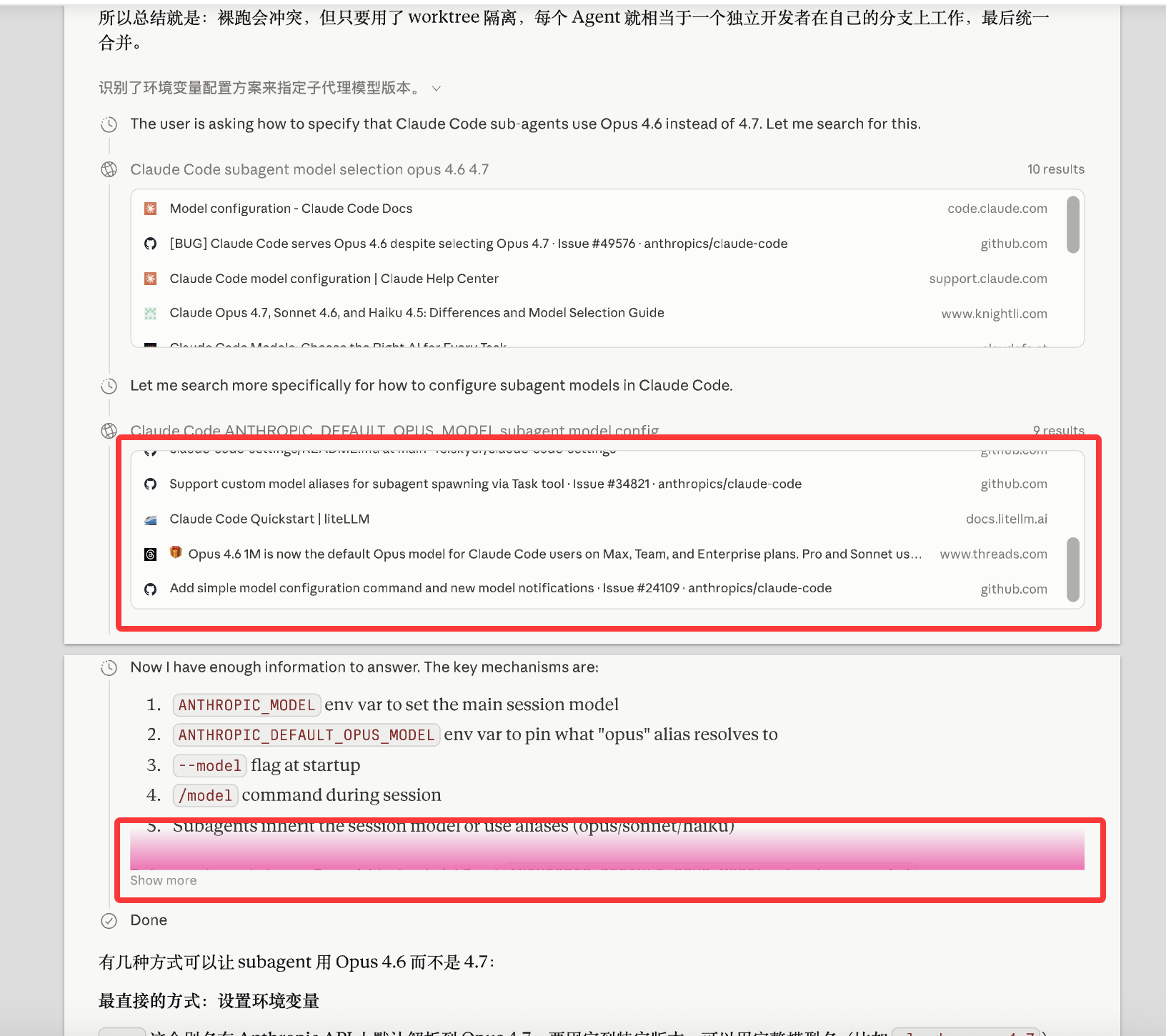
Thank you very much!
Log in to comment and vote
Comments3
Matt Brown
May 17
Hi! I also received your email. Thank you so much for your suggestion and detailed bug report.
I agree that making the extension feel closer to Claude’s native UI could make the experience more seamless. At the same time, I’m not ready to move quite that far visually. The mockup is a pretty significant departure from the extension’s current design, and I also have a few UX concerns with that direction.
That said, I do think the idea is worth exploring, especially around updating the color scheme and making the UI feel more aligned with Claude’s current interface.
First of all, I will fix the bugs that you reported. Thanks again for such a detailed description!
I am glad that the app benefits people and can get better thanks to you.
Chenxi Li
May 18
Thanks for the quick response, and glad to hear the bugs will be fixed! Looking forward to the UI updates.
Just wanted to clarify — the redesign isn't just a mockup. It's a fully working implementation available at the GitHub link I shared. You can try it in about 30 seconds with the Quick Preview instructions in the README (no build needed — just drop one file and add one manifest entry).
Since the extension isn't open-source, I wasn't able to wire up the actual export logic, but all the UI components (segmented controls, switches, comboboxes, text inputs, etc.) are functional and built from Claude's native CSS classes. Feel free to pick and choose whichever components you find useful.
I also realized that the modal dialog approach might not be ideal for the "Select Messages" export mode, since users need to interact with the chat while the panel is open. A sidebar layout could work better for that use case.
These are all just proposals — the design references Claude's Settings page and Share dialog as a starting point, but the final UI direction is totally up to you. Happy to help if needed!
Matt Brown
May 20
Hi! I’ve released version 1.6.1 with several bug fixes. Large link lists and other scrollable blocks should now export at full height, “Show more” sections are expanded fully before export, and action controls like copy, retry, edit, and feedback buttons are no longer included in the PDF. I also removed the fade gradient from the export, which should address the pink gradient issue, although I wasn’t able to reproduce it directly.